Our system automatically issues SSL to domains (mail.yourdomain.com) that points to our mail server, but this process takes a bit of time. If you try to access the domain before this SSL certificate issuance, then Google Chrome may show a "Malicious site" warning with a red screen.
This issue may persist dependning on DNS cache of the PC or mobile browser.
To fix this, follow the steps:
Type the following and hit enter: ipconfig /flushdns
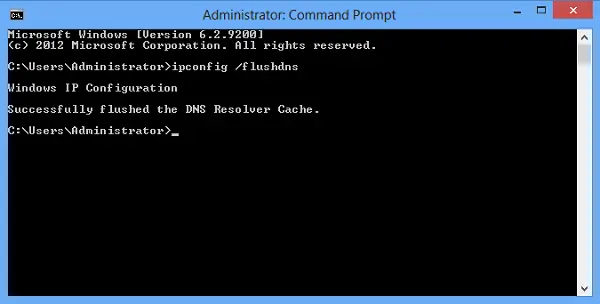
After flushing dns cache, restart Google Chrome Browser, the error should go away.
If it still persists, please contact support.